To withdraw funds from DMarket, please complete the following steps:
- Click on your balance (see Fig.1)
FIGURE 1
- Click on the main wallet in "Balance" section in the opened window (see Fig.2).
FIGURE 2
- Make sure that you have funds to withdraw and click the “Withdraw” button (see Fig.3).
Please note: some withdrawal methods require KYC verification to proceed.
FIGURE 3
- Choose the withdrawal method (see Fig.4).
Methods marked with a blue icon require KYC verification on DMarket
FIGURE 4
- Indicate the withdrawal amount and choose your card or just click on the “Withdraw” button if you haven’t used any card for withdrawal yet (see Fig.5).
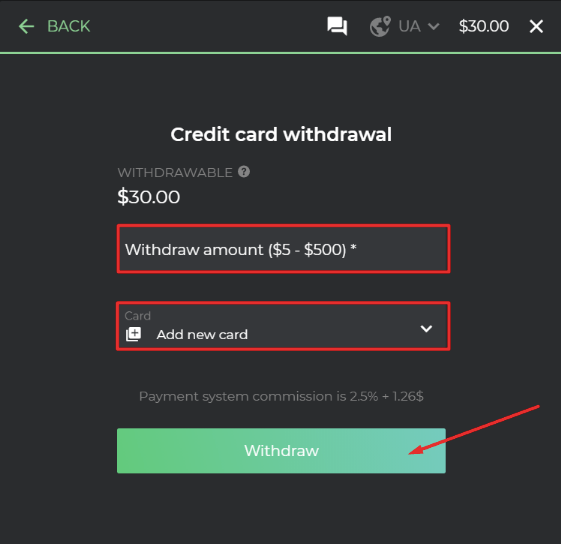
FIGURE 5
- Wait for your funds to be withdrawn or simply close the tab and continue trading. Funds will be withdrawn after a certain time, depending on the withdrawal method (see Fig.6).
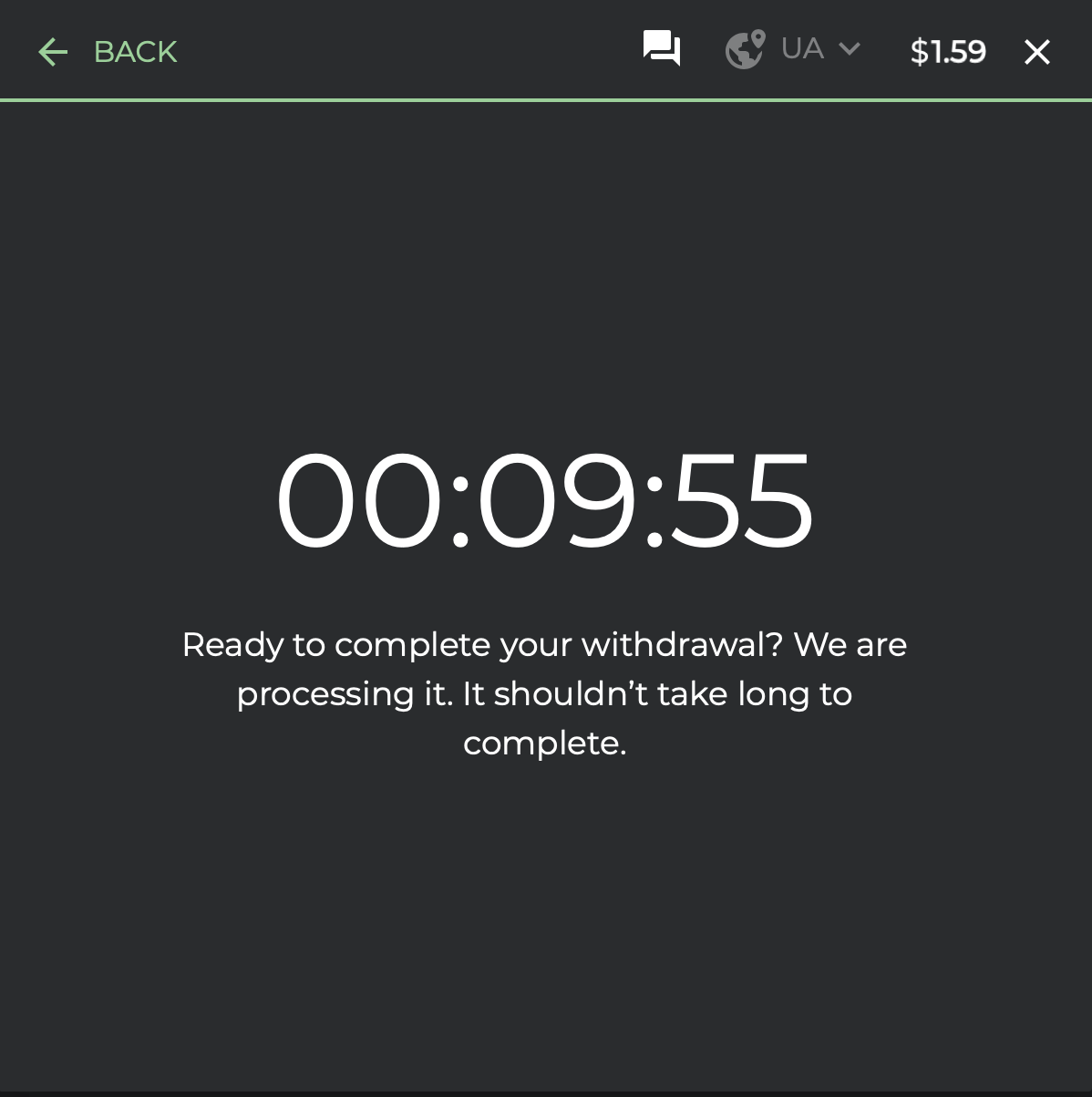
FIGURE 6
BUTTON BLOCK